
- info@bronzecollege.com
- No 6/9, Cawalakadai, Kalmunai.

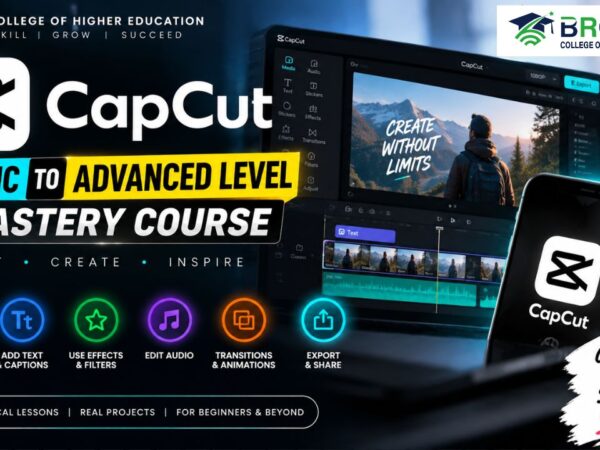
About this Course
Master CapCut from Basic to Advanced
Unlock your creativity and learn to create professional-quality videos with our CapCut Basic to Advanced Level Mastery Course at Bronze College of Higher Education.
This comprehensive course is designed for beginners and aspiring video editors who want to master CapCut and develop practical video editing skills for social media, YouTube, business promotions, educational content, and more.
What You Will Learn:
- CapCut interface and essential editing tools
- Importing, cutting, trimming, and arranging video clips
- Adding transitions, effects, filters, and animations
- Text, captions, subtitles, and stylish typography
- Audio editing, sound effects, and background music
- Green screen and background removal
- Speed control, slow motion, and keyframe animation
- Color adjustment and professional video enhancement
- Advanced editing techniques and creative effects
- Exporting videos in high quality for different platforms
Whether you are a complete beginner or looking to improve your existing editing skills, this course will help you confidently create engaging and professional videos using CapCut.
Start your video editing journey today with Bronze College of Higher Education!
Course Contents
01. Introduction to CapCut: Mobile vs PC, Project Setup & Export Settings
In this introductory lesson of the CapCut Basic to Advanced Level Mastery Course, you will learn the fundamentals of CapCut video editing and understand the key differences between the mobile and PC versions.
This lesson will guide you through setting up your first video editing project, exploring the CapCut interface, choosing the right editing platform, and understanding essential export settings for high-quality videos.
In this lesson, you will learn:
* Introduction to CapCut video editing software
* Differences between CapCut Mobile and CapCut PC
* How to set up a new CapCut project
* Understanding the CapCut editing interface
* Basic project settings and video resolution
* Frame rate and aspect ratio fundamentals
* How to choose the correct export settings
* Best practices for exporting videos for YouTube, social media, and other platforms
This lesson is ideal for beginners who want to build a strong foundation in CapCut video editing before progressing to advanced techniques.
Start learning CapCut with Bronze College of Higher Education and develop practical, professional video editing skills.
-
Introduction to CapCut: Mobile vs PC, Project Setup & Export Settings
00:00
2. Timeline Layers, Importing Media, Cutting & Trimming in CapCut
In this second lesson of the CapCut Basic to Advanced Level Mastery Course, you will learn how to effectively manage your video editing timeline and organize media for a smooth and professional editing workflow.
This practical lesson focuses on timeline layers, importing media, cutting, and trimming clips in CapCut. You will learn how to arrange video, audio, images, and other media elements while making precise edits to create a clean and engaging video.
In this lesson, you will learn:
Understanding the CapCut timeline and timeline layers
How to import videos, images, audio, and other media
Organizing and arranging media on the timeline
How to move, position, and manage clips
Cutting video clips accurately
Trimming the beginning and end of clips
Splitting clips and removing unwanted sections
Basic timeline editing techniques
Maintaining a smooth and organized editing workflow
Practical tips for faster and more efficient CapCut editing
This lesson is ideal for beginners who want to understand the CapCut timeline, media management, cutting, and trimming techniques before moving on to more advanced video editing skills.
Continue your CapCut learning journey with Bronze College of Higher Education and build practical video editing skills step by step.
SEO Keywords
-
2. Timeline Layers, Importing Media, Cutting & Trimming in CapCut
00:00